OG Christmas Dance AI
Your moves. Your cast. A Christmas dance worth sharing. · How to make it
Default duration
14s
Default credits
28 credits
Default format
9:16 vertical
- No subscription
- Failed videos refunded
- No watermark
OG Christmas Dance AI
Recommended: 14s · 480p · 9:16
No prompt to write.Add your photo and tap once.
1Add your photo
Dancer 1
JPG, PNG or WebP · up to 10 MB · private, used only for your video
Upload a photo first.
2Create your video
Customize prompt and settings
AI-generated audio. Original songs and exact choreography are not guaranteed.
No account needed · credits refunded if it fails
OG Christmas Dance AI – Dance With Your Photo at a glance
- Photos
- 1–3
- Length
- 14s
- Format
- MP4 · 9:16 vertical
- Price
- 28 credits
- Watermark
- None
- Failed render
- Credits refunded automatically
- Prompt to write
- None
Last updated
About OG Christmas Dance AI
Turn your photo into a playful Christmas dance inspired by TikTok: bouncing steps, finger points and a cheerful overhead finish. Choose a solo, duo or trio scene and make a vertical clip for TikTok, Reels, Shorts or X.
How does the soundtrack work?
When Audio is enabled, this template attaches its matched soundtrack excerpt during post-render finishing (with AI or silent fallback if finishing is unavailable). You can also toggle Audio off in the studio to export a silent MP4.
Read the meme soundtrack guideHow to make a OG Christmas Dance AI video
- 01
Add your photos
Use the photo slots above. Add one separate image per subject, match each subject to the slot label, and check the preview before generating.
- 02
Use the template, or make a small change
The scene is already written for you, with a recommended length of 14 seconds. Optional edits let you change details or settings. Check the updated price before you generate.
- 03
Watch and download
Find finished videos in My Works if you signed in, or return to the order page in the same browser if you bought a single video as a guest. Play the result and download the MP4 before the deadline shown for your video. Keep your own copy if you plan to edit or share it later.
Which photos work best?
Use a separate, well-lit photo for each subject. Keep faces unobstructed and assign each person or pet to the correct role. Crop a group shot into individual photos rather than uploading the same group image into multiple slots.
For these Seedance templates, use JPEG, PNG or WebP, up to 10 MB each. Each side must be 300–6,000 pixels, with a width-to-height ratio from 0.4 to 2.5. Use photos you have permission to upload.
Make the template your own
Yes. Open Customize prompt and settings and describe one change, such as softer lighting or a warmer color palette. Keep the role, key action and props in the prompt to retain the recognizable scene; for a new scene, start from Image to Video.
Keep the dance, use a fixed camera, and give the room warm evening light.Need a different scene? Open Image to Video
What will this video cost?
Compare all models at the default version’s 14-second length. The creator updates the price for your selected version and settings.
| Model | Resolution | Credits | One video · USD |
|---|---|---|---|
| Seedance 2 Mini | 480p | 28 | $6.72 |
| Seedance 2 Mini | 720p | 42 | $10.08 |
| Seedance 2 | 720p | 84 | $20.16 |
| Seedance 2.5 | 720p | 126 | $30.24 |
Changing duration or resolution changes the quote. Seedance audio is included in the credit rate. Single-video checkout and account credit packs are different purchase options; review the final checkout total before paying. See credit packs
Before you generate
Fast movement can change faces, hands or choreography. Keep the recommended duration if you want room for the full action. Generated audio does not include a licensed copy of the trend’s original song; add appropriate music in your posting app.
Examples are references, not a promise of an identical result. Every new generation is a separate paid attempt. A completed video with an unwanted creative detail is different from a failed generation. Review the result before posting and follow the destination platform’s AI-label and music requirements.
Template FAQ
How do I make the OG Christmas Dance with one, two or three photos?
Choose Solo for a living-room dance, Duo for a snowy street, or the studio version for up to three dancers. Add one adult photo per dancer. The studio needs the first two photos; the third slot is optional.
Who dances in each position in OG Christmas Dance AI?
In Solo the upload is the center dancer. In Duo photos one and two are left and right; in the studio they are center and rear left, with an optional third dancer at rear right. Preview the turns for clear separation.
Does the OG Christmas Dance video include the original music?
The template attempts to add its fixed 14-second soundtrack during finishing. If the track cannot be added, the result can keep the model's room ambience. Preview the export before posting if you want the steps to match a particular sound.
Which Seedance model can I use for this template?
Choose Seedance 2 Mini, Seedance 2 or Seedance 2.5 above the Generate button; the template starts at Mini 480p, the lowest-priced option. Mini offers 480p and 720p at a lower credit rate, while Seedance 2 and 2.5 use 6 and 9 credits per second respectively at 720p. Use the updated quote to choose the model and resolution that fit your budget.
Can I customize OG Christmas Dance AI without writing a full prompt?
Yes. Open Customize prompt and settings and describe one change, such as softer lighting or a warmer color palette. Keep the role, key action and props in the prompt to retain the recognizable scene; for a new scene, start from Image to Video.
How is the price for OG Christmas Dance AI calculated?
For the default 14-second video, the options are Seedance 2 Mini at 480p (28 credits or $6.72), Seedance 2 Mini at 720p (42 credits or $10.08), Seedance 2 at 720p (84 credits or $20.16), and Seedance 2.5 at 720p (126 credits or $30.24). The creator recalculates the price when you change the version or settings.
Where do I find my finished video?
Find finished videos in My Works if you signed in, or return to the order page in the same browser if you bought a single video as a guest. Play the result and download the MP4 before the deadline shown for your video. Keep your own copy if you plan to edit or share it later.
Is the OG Christmas Dance AI video free?
You can watch the sample for free. Creating a new video with your own photo costs the amount shown in the creator, based on the selected model and settings. You can use account credits or buy one video as a guest without a subscription.
Is there a watermark?
The downloadable MP4 has no MemeVideoMaker watermark. Preview the finished clip before sharing to check for unwanted text or artifacts that may appear in the generated scene.
Are my photos private?
Your uploads and finished video are kept out of the public gallery. When you submit a request, service providers process the photo to check the upload and make the video. Only upload photos you have permission to use, and see our Privacy Policy and Video storage page for handling and download availability.
What if the video fails or my photo is rejected?
If the upload is rejected, follow the message in the creator before resubmitting. If a submitted generation fails, generation credits are returned automatically; guest purchases show their refund status on the order page. A finished video with an unwanted creative detail is a completed render, so review the preview before paying for another attempt.
Is OG Christmas Dance AI an official release by another creator or brand?
This is an independent MemeVideoMaker template. When a template draws on an existing clip, the source link identifies the clip used as a reference.
More meme templates
Christmas videos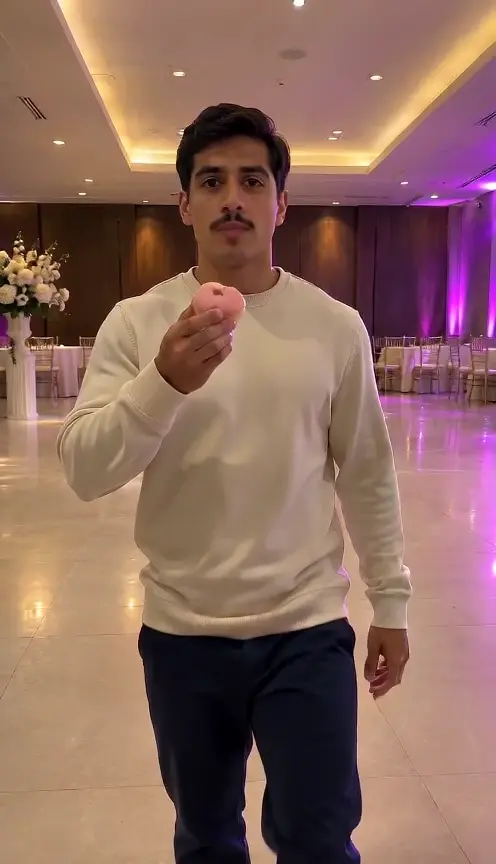 9s · 1 photo(s)
Bby Wow Guy AI (Dime Dime Baby)
Bite the pink bread, puff your cheeks, stay completely serious
18 credits
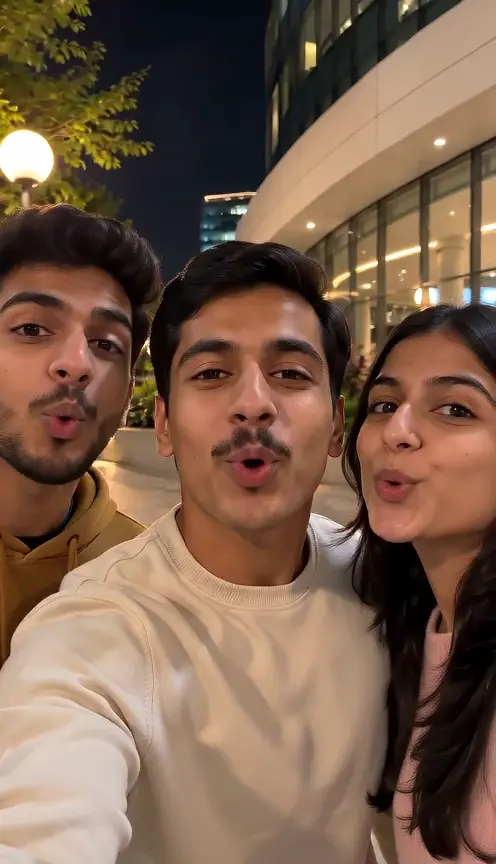 15s · 1 photo(s)
Gangnam Style AI
Three friends, one front camera, a chaotic selfie relay
30 credits
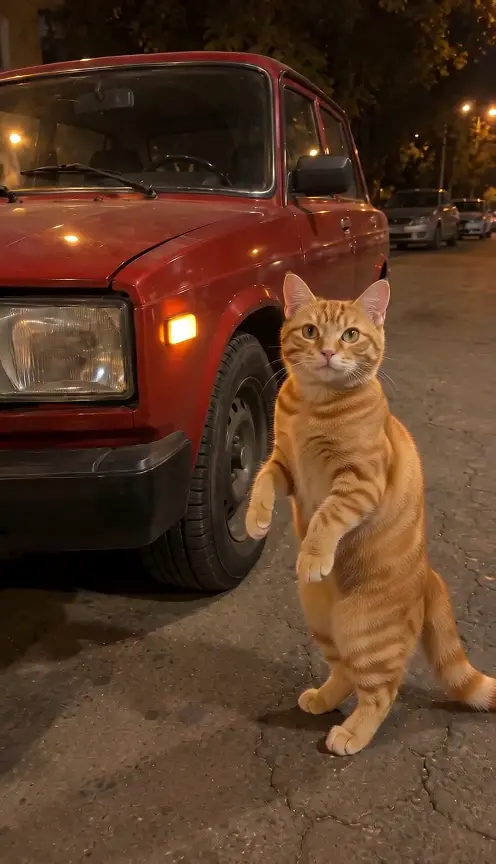 12s · 1 photo(s)
Car Alarm Dance
Your pet dances to the siren by a red car
24 credits
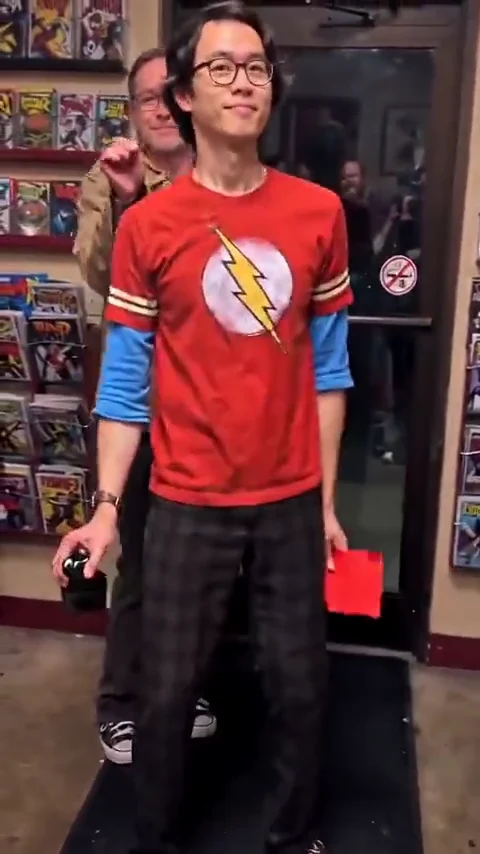 13s · 1 photo(s)New
Comic Shop Doorway Dance
Do the low shuffle through the comic shop door.
26 credits