How AI Meme Video Audio Works
Understand which meme templates attach a matched soundtrack excerpt after rendering, which synthesize scene foley, and when to export silent MP4s.
Reviewed by Meme Video Maker Editorial ·Editorial policy·Last updated
Two ways templates produce sound
Published templates use two distinct audio pipelines when Audio is turned on. Source-soundtrack templates render silent motion first and then attach the matching soundtrack excerpt from the reference cut during finishing. If finishing is unavailable, the video falls back to AI-generated sound or silent picture so your render still completes.
Scene-audio templates generate fresh environmental foley, crowd reactions or musical ambience directly from the video model without attaching an external recording. Unlike legacy locked templates, you can toggle Audio on or off in the studio before generating.
Current catalog audio breakdown
- 55 published templates attach a matched soundtrack excerpt during post-render finishing when Audio is enabled.
- 10 motion-reference templates synthesize fresh scene audio from the video model, and 12 prompt templates generate ambient foley.
- Attaching a template soundtrack adds no separate surcharge on Seedance Mini; turning Audio off exports a clean silent MP4.
How to make a meme video with the right sound
- 01
Check the template audio mode
Open a template page and play the sample with sound unmuted. Check whether it uses a matched source soundtrack or synthesized scene audio.
- 02
Choose Audio on or silent export
Keep Audio on in the editor to attach the template soundtrack or scene foley, or switch Audio off if you plan to pick a trending sound inside TikTok, Reels or Shorts.
- 03
Verify sync and platform music rules
Play the finished MP4 from start to end to check cut timing, mouth or paw motion and audio ending before downloading and sharing.
Sound-enabled meme templates
The table below lists newest templates configured with post-render soundtrack composition or reference-guided scene audio, using live catalog settings.
| Template | Duration | Audio pipeline | Default credits |
|---|---|---|---|
| No I Ain’t Crazy YB AI Video Generator | 12s | Matched soundtrack excerpt (post-render) | 36 credits |
| James Bond Reveal AI Video Generator | 10s | Matched soundtrack excerpt (post-render) | 20 credits |
| What If You Fly AI Video Generator | 15s | Matched soundtrack excerpt (post-render) | 30 credits |
| Jingle Bells Cat AI Video Generator | 12s | Matched soundtrack excerpt (post-render) | 24 credits |
| Need for Speed AI Car Swap From One Photo | 15s | Matched soundtrack excerpt (post-render) | 45 credits |
| Reaching Out Cat Trend AI Video Generator | 5s | Matched soundtrack excerpt (post-render) | 15 credits |
| King Jin AI Trend Video Generator From One Photo | 10s | Matched soundtrack excerpt (post-render) | 30 credits |
| Comic Shop Doorway Dance AI Video Generator | 13s | Matched soundtrack excerpt (post-render) | 26 credits |
| Jingle Bell Brazil Dance AI Video Generator | 15s | Matched soundtrack excerpt (post-render) | 30 credits |
| Camden Bop AI Dance Template: Can I Take This From You | 11s | Matched soundtrack excerpt (post-render) | 22 credits |
| Christmas Photobooth Trend AI Video Generator | 15s | Matched soundtrack excerpt (post-render) | 30 credits |
| Dancing Dogs in the Rain AI Video: Chipettes Dog Dance | 13s | Matched soundtrack excerpt (post-render) | 26 credits |
| Cat Gym Fail AI Video Generator: Outdoor Air Walker | 10s | Matched soundtrack excerpt (post-render) | 20 credits |
| Cat Shower AI Video Generator: Winter Bath Meme | 11s | Matched soundtrack excerpt (post-render) | 22 credits |
| Talk to Me Doja AI Video Generator | 13s | Matched soundtrack excerpt (post-render) | 26 credits |
| Spin That Coupe Like What AI Video Generator | 11s | Matched soundtrack excerpt (post-render) | 22 credits |
| All I Want for Christmas Dance AI Video Generator | 12s | Matched soundtrack excerpt (post-render) | 24 credits |
| NYC Rats AI Video Generator | 11s | Matched soundtrack excerpt (post-render) | 22 credits |
| You Never Let Her Pay AI Video Generator | 11s | Matched soundtrack excerpt (post-render) | 22 credits |
| Thanksgiving Bend Dance AI Video Generator | 15s | Matched soundtrack excerpt (post-render) | 30 credits |
| POV Outfit Transition AI Video Generator | 9s | Matched soundtrack excerpt (post-render) | 18 credits |
| Waist Heart AI Video Generator From a Photo | 9s | Matched soundtrack excerpt (post-render) | 18 credits |
| Wizard Cat Keyboard Smash AI Video Generator | 7s | Matched soundtrack excerpt (post-render) | 14 credits |
| Car Chips Prank AI Video Generator | Careless Whisper Car | 15s | Matched soundtrack excerpt (post-render) | 30 credits |
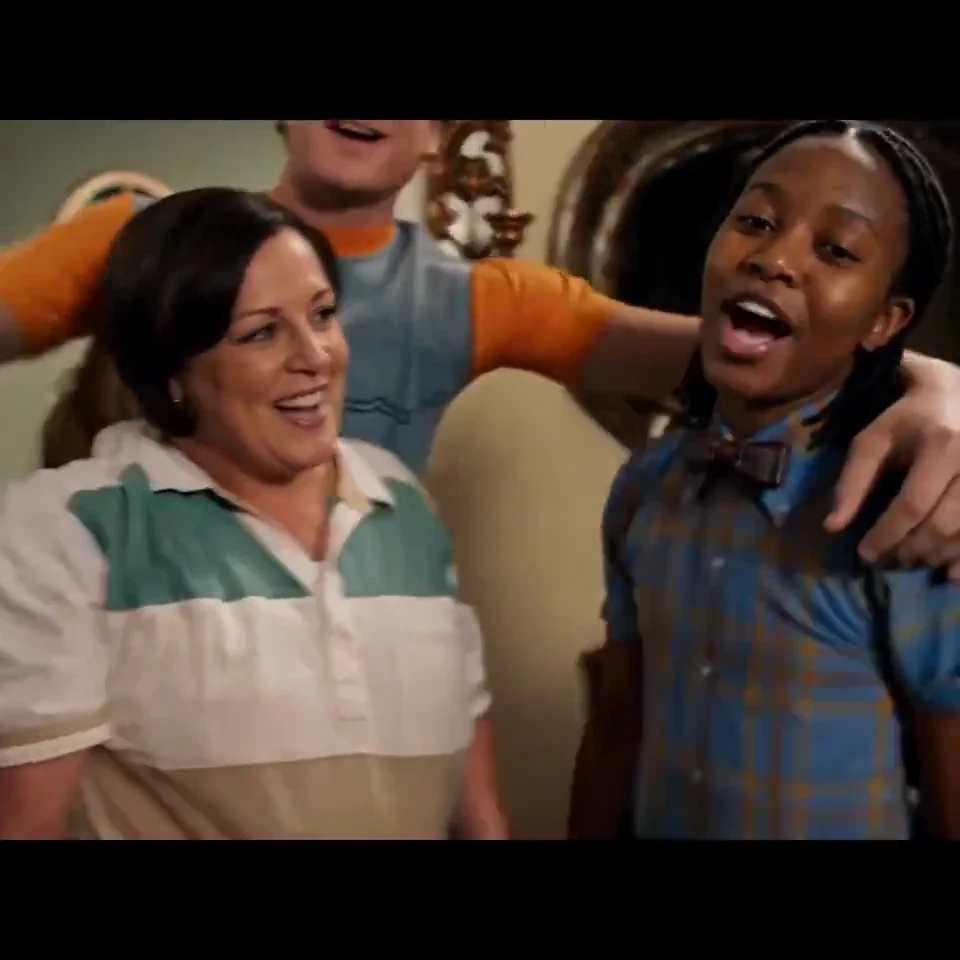 12s · 1 photo(s)New
No I Ain’t Crazy YB AI
Put yourself in the living-room rap edit.
36 credits
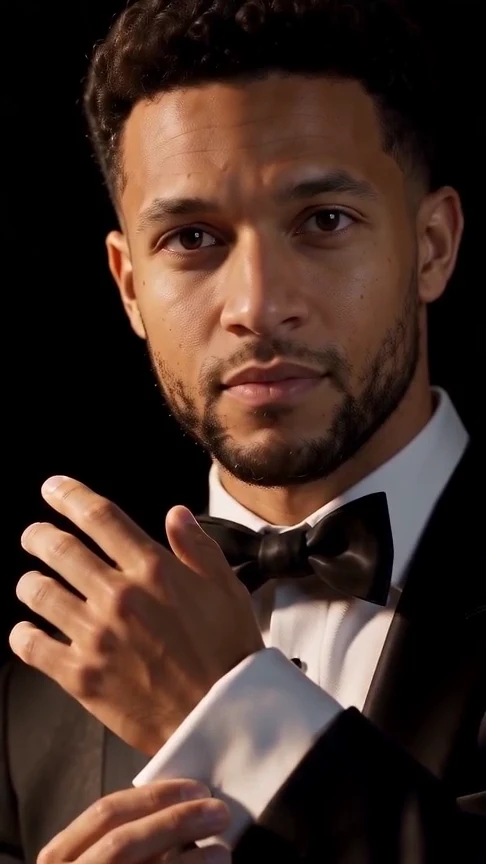 10s · 1 photo(s)New
James Bond Reveal AI
Put your face in a tuxedo reveal from the shadows.
20 credits
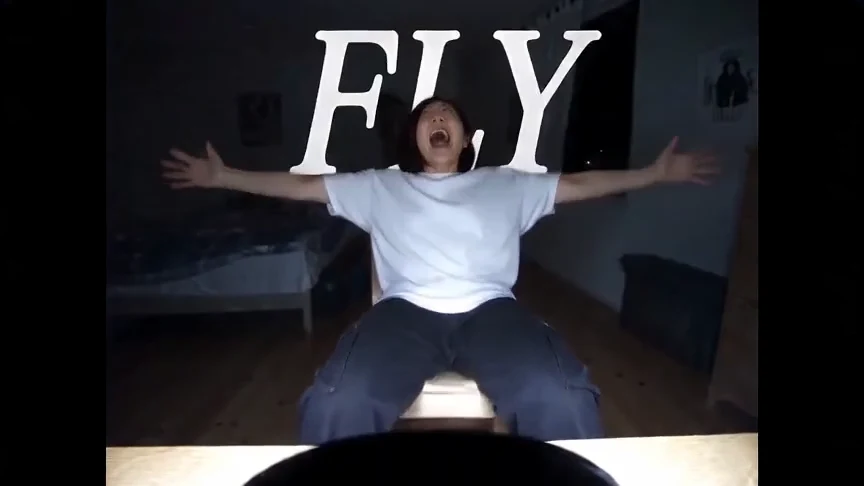 15s · 1 photo(s)New
What If You Fly AI
Fall through the floor and fly above the clouds.
30 credits
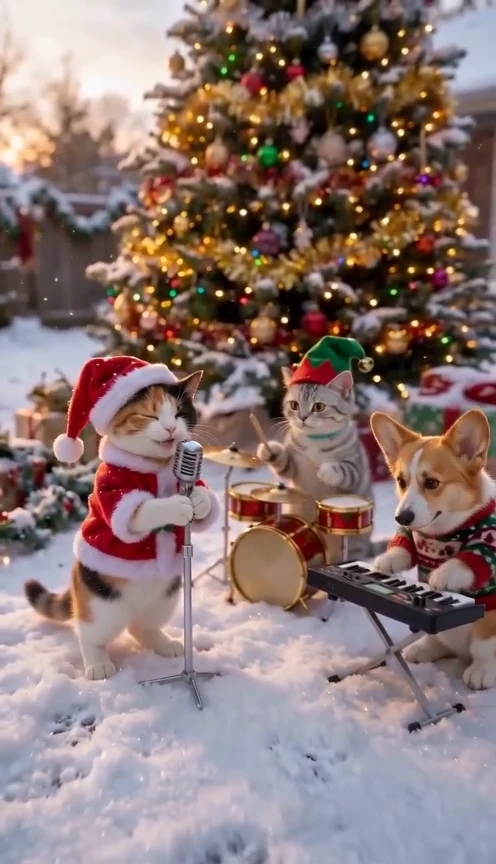 12s · 1–3 photo(s)New
Jingle Bells Cat AI
Your pet sings Jingle Bells with a band in the snow.
24 credits
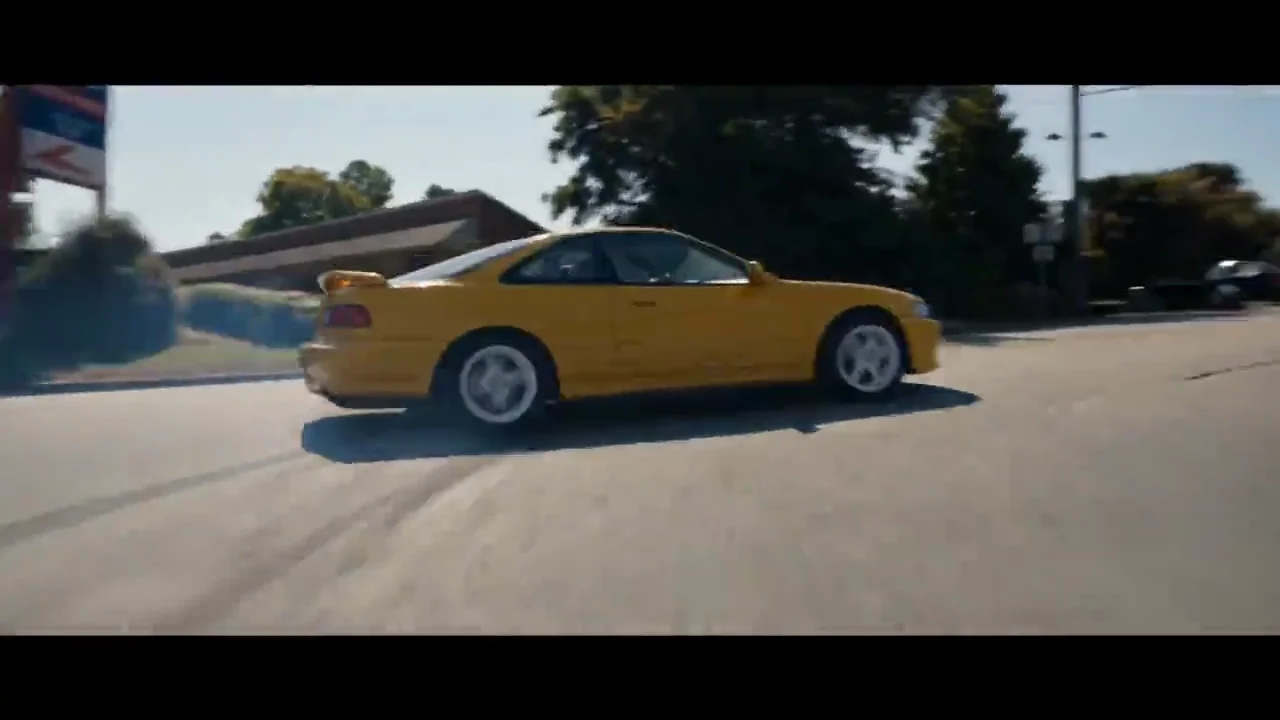 15s · 1 photo(s)New
Need for Speed AI Car Swap
Put your car into the small-town drift and burnout.
45 credits
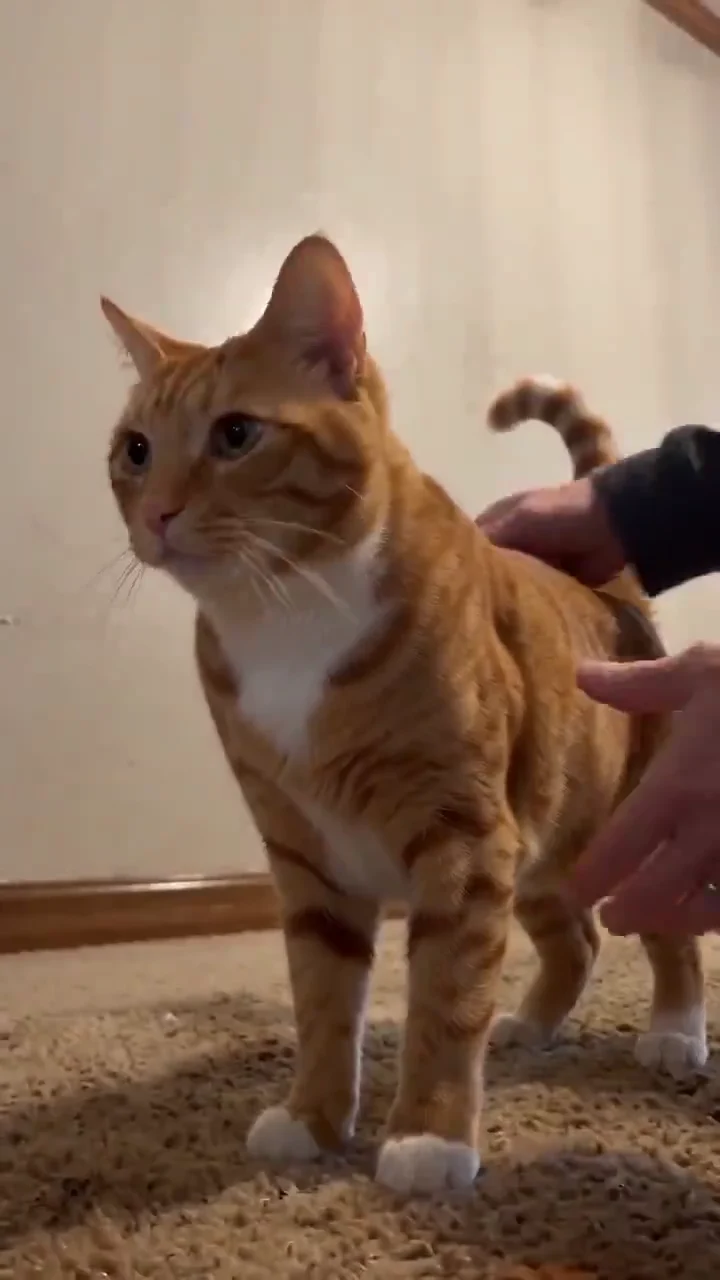 5s · 1 photo(s)New
Reaching Out Cat
Put your cat in the two-shot TikTok gag.
15 credits
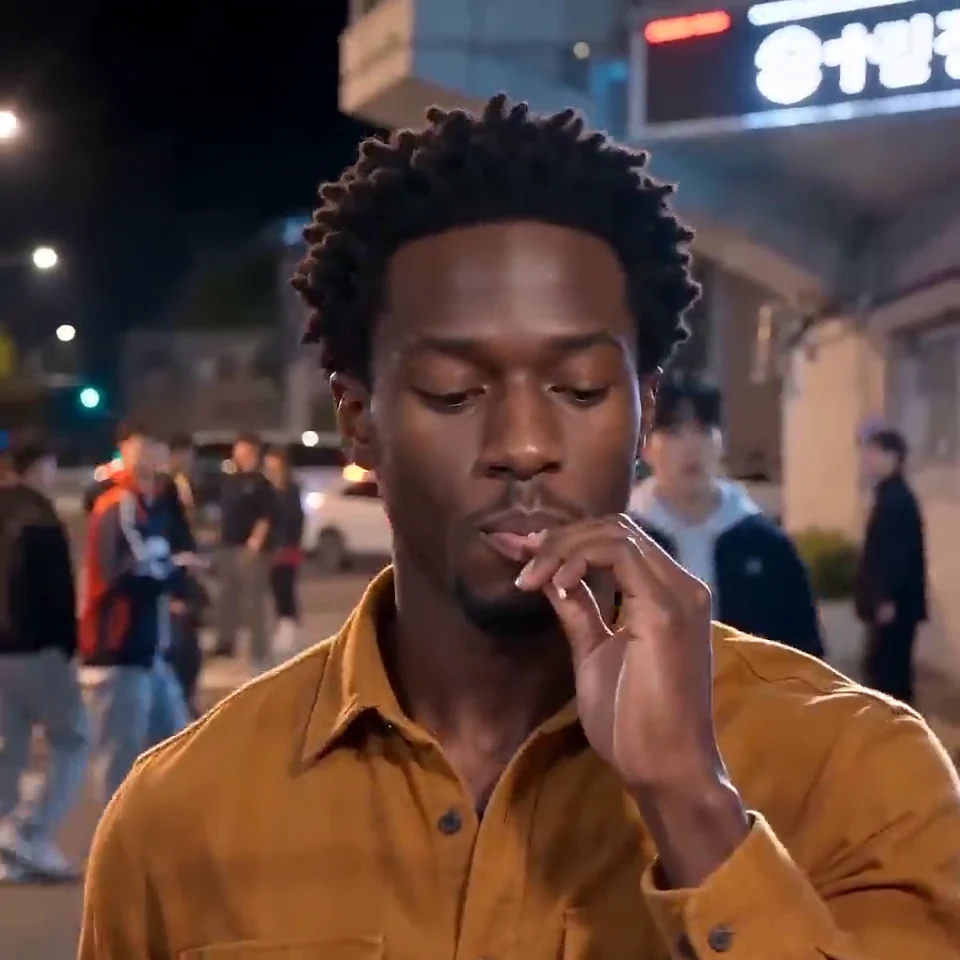 10s · 1 photo(s)New
King Jin AI
Take the lead in the four-shot entrance edit.
30 credits
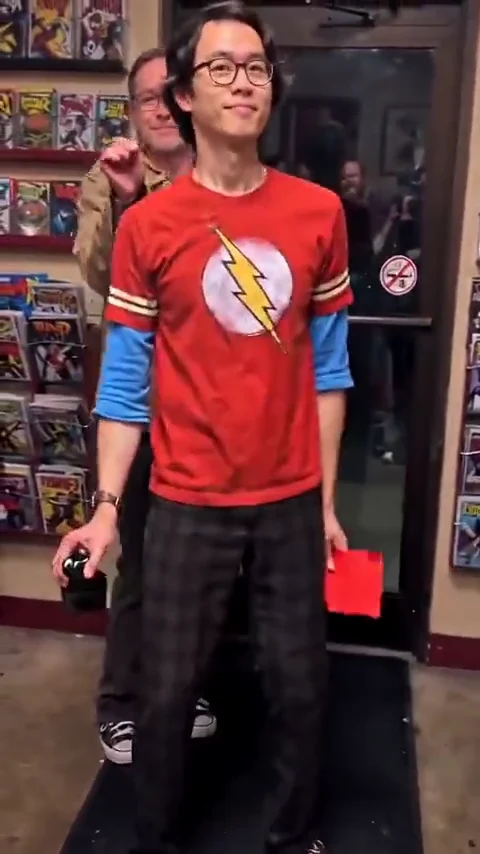 13s · 1 photo(s)New
Comic Shop Doorway Dance
Do the low shuffle through the comic shop door.
26 credits
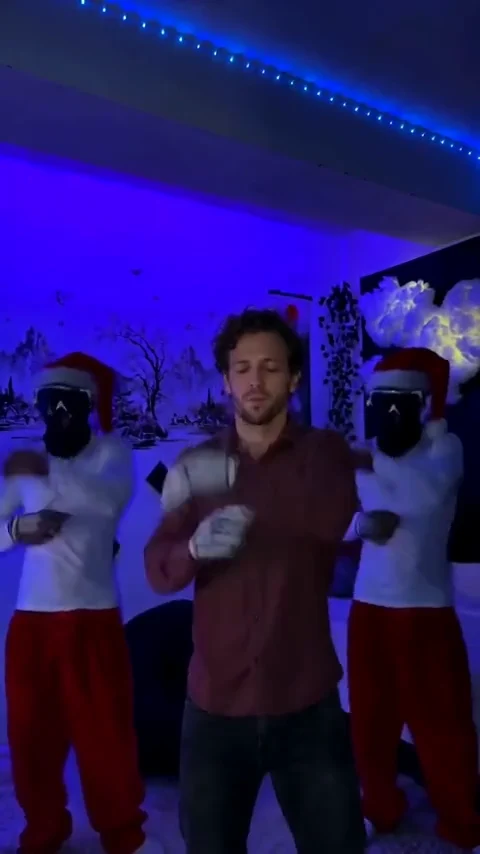 15s · 1 photo(s)New
Jingle Bell x Brazil Dance
Take the center spot in the blue-lit Christmas trio.
30 credits
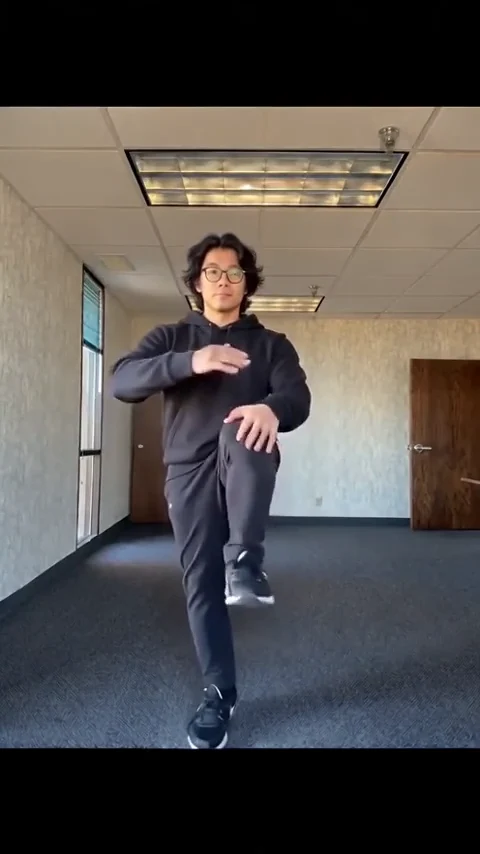 11s · 1 photo(s)New
Camden Bop Dance
Recreate the high-knee dance from one photo.
22 credits
 15s · 2 photo(s)New
Christmas Photobooth
Turn two portraits into a moving Last Christmas photo strip.
30 credits
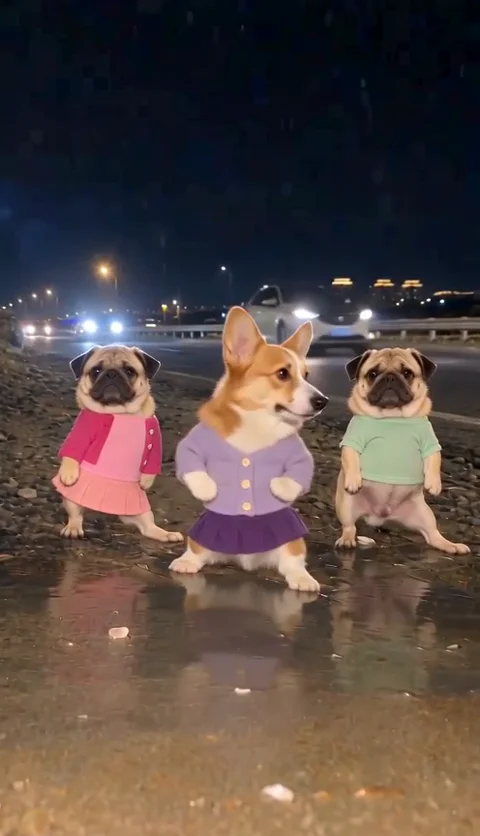 13s · 1 photo(s)New
Dancing Dogs in the Rain
Put your dog in the center of the three-dog puddle dance.
26 credits
How duration and model choice affect audio
Each template soundtrack excerpt is cut to match the template default duration and camera beats. On Seedance Mini 480p, credits stay 2 per second regardless of the Audio toggle; on Seedance 2 and 2.5, enabling model-generated audio changes the per-second rate shown in the live quote.
What to check before publishing
- Post-render soundtrack composition aligns to overall scene beats rather than frame-exact phonetic lip-sync; always preview close-ups.
- If post-render audio composition fails transiently, the downloadable video remains available with fallback sound.
- Template soundtracks are for personal social remixes and do not grant commercial music licensing; follow TikTok, Instagram and YouTube audio rules.
AI meme audio FAQ
Which templates include the recognizable trend soundtrack?
Templates labeled with matched soundtrack composition attach the audio excerpt from their documented reference cut after the video renders, provided Audio is left on.
Can I turn audio off before generating?
Yes. You can toggle Audio off in the workspace or template studio to export a silent MP4, which is useful when attaching licensed sounds natively inside TikTok, Reels or Shorts.
Does soundtrack composition cost extra credits?
There is no separate soundtrack fee. On Seedance Mini 480p the cost is 2 credits per second; higher-tier models display their exact audio-on and audio-off credit quotes before you generate.
How does TikTok to AI Video handle sound?
TikTok to AI Video uses the public TikTok clip to guide motion and asks the model to generate a fresh original beat or ambience—it does not copy or redistribute the TikTok recording.
Can I replace the audio after downloading the MP4?
Yes. Every output downloads as a standard MP4 that you can mute, trim or re-score in CapCut, TikTok, Instagram Reels or YouTube Shorts.