Grinch Pet AI
Your dog. Green fur. Suspiciously innocent. · How to make it
Default duration
8s
Default credits
16 credits
Default format
9:16 vertical
- No subscription
- Failed videos refunded
- No watermark
Grinch Pet AI
Recommended: 8s · 480p · 9:16
No prompt to write.Add your photo and tap once.
1Add your photo
Your dog and room
JPG, PNG or WebP · up to 10 MB · private, used only for your video
Upload a photo first.
2Create your video
Customize prompt and settings
Motion is guided by the reference. Audio is newly synthesized; exact dialogue may vary.
No account needed · credits refunded if it fails
Grinch Pet AI Video Generator at a glance
- Photos
- 1
- Length
- 8s
- Format
- MP4 · 9:16 vertical
- Price
- 16 credits
- Watermark
- None
- Failed render
- Credits refunded automatically
- Prompt to write
- None
Last updated
Linked format examples
Example links; the first creator has not been verified.
About Grinch Pet AI
Give your dog a mischievous green Christmas look with a Santa hat and a small reaction scene. Cozy room uses a home-style setting loosely guided by your photo; Christmas mischief moves the dog beside a tree and a wrapped present. Each has its own generated motion reference and synthesized audio. This is a stylized makeover: ears, muzzle and furniture can differ from the upload.
How to make a Grinch Pet AI video
- 01
Add your photos
Use the photo slots above. Add one separate image per subject, match each subject to the slot label, and check the preview before generating.
- 02
Use the template, or make a small change
The scene is already written for you, with a recommended length of 8 seconds. Optional edits let you change details or settings. Check the updated price before you generate.
- 03
Watch and download
Find finished videos in My Works if you signed in, or return to the order page in the same browser if you bought a single video as a guest. Play the result and download the MP4 before the deadline shown for your video. Keep your own copy if you plan to edit or share it later.
Which photos work best?
Upload one clear dog photo with the face, ears and body visible. For Cozy room, include the room around the dog; for Christmas mischief, the background is replaced.
For these Seedance templates, use JPEG, PNG or WebP, up to 10 MB each. Each side must be 300–6,000 pixels, with a width-to-height ratio from 0.4 to 2.5. Use photos you have permission to upload.
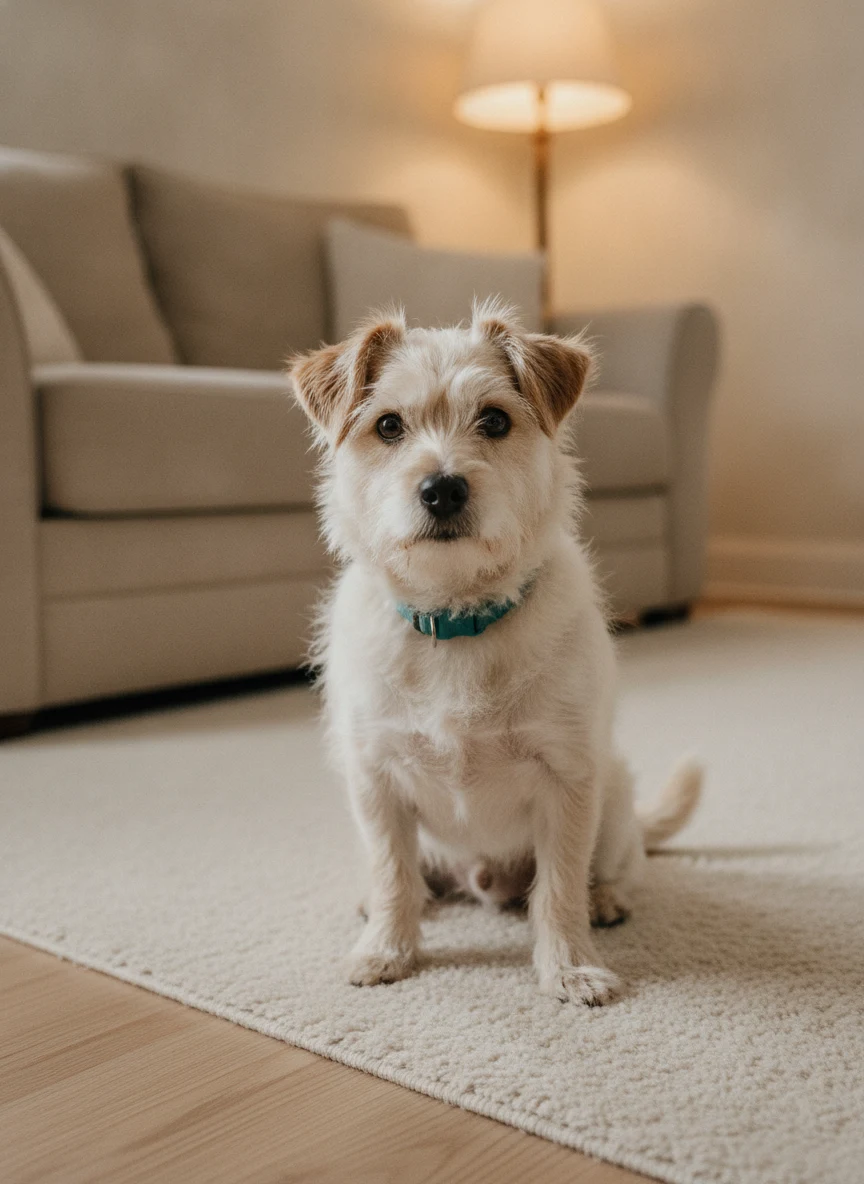
Make the template your own
Yes. Open Customize prompt and settings and describe one change, such as softer lighting or a warmer color palette. Keep the role, key action and props in the prompt to retain the recognizable scene; for a new scene, start from Image to Video.
Keep the reference choreography, camera changes and framing. Make the lighting slightly softer.Need a different scene? Open Image to Video
What will this video cost?
Compare all models at the default version’s 8-second length. The creator updates the price for your selected version and settings.
| Model | Resolution | Credits | One video · USD |
|---|---|---|---|
| Seedance 2 Mini | 480p | 16 | $3.84 |
| Seedance 2 Mini | 720p | 24 | $5.76 |
| Seedance 2 | 720p | 48 | $11.52 |
| Seedance 2.5 | 720p | 72 | $17.28 |
This motion recipe keeps its reviewed duration and aspect ratio. Audio-enabled outputs synthesize new sound rather than add a source recording. See credit packs
Before you generate
AI may change object positions, faces or the timing of an action. Keep edits focused and allow enough time for the main scene. A shorter clip can omit part of the action; a longer clip is not a guarantee of a better result.
Examples are references, not a promise of an identical result. Every new generation is a separate paid attempt. A completed video with an unwanted creative detail is different from a failed generation. Review the result before posting and follow the destination platform’s AI-label and music requirements.
Template FAQ
How do I turn my dog green with the Grinch Pet AI effect?
Upload one clear dog photo and choose Cozy room or Christmas mischief. Cozy room uses your dog and the room in that photo as visual cues; Christmas mischief puts the dog beside a tree and wrapped present.
Will the green Grinch Pet makeover still look like my dog?
The upload supplies the dog's identity, while the template changes the fur to green and adds the Santa look. Use a photo that shows the dog's muzzle, eyes and ears, then check those features in the reaction shot. Furniture and fine coat markings can vary.
Does the Grinch Pet video include a movie voice or Christmas song?
Audio-enabled generations create new room sounds, pet noises and musical accents. The template uses no movie recording or selected commercial song; turn Audio off before generating if you plan to add your own sound.
Which Seedance model can I use for this template?
Choose Seedance 2 Mini, Seedance 2 or Seedance 2.5 above the Generate button; the template starts at Mini 480p, the lowest-priced option. Mini offers 480p and 720p at a lower credit rate, while Seedance 2 and 2.5 use 6 and 9 credits per second respectively at 720p. Use the updated quote to choose the model and resolution that fit your budget.
Can I customize Grinch Pet AI without writing a full prompt?
Yes. Open Customize prompt and settings and describe one change, such as softer lighting or a warmer color palette. Keep the role, key action and props in the prompt to retain the recognizable scene; for a new scene, start from Image to Video.
How is the price for Grinch Pet AI calculated?
For the default 8-second video, the options are Seedance 2 Mini at 480p (16 credits or $3.84), Seedance 2 Mini at 720p (24 credits or $5.76), Seedance 2 at 720p (48 credits or $11.52), and Seedance 2.5 at 720p (72 credits or $17.28). The creator recalculates the price when you change the version or settings.
Where do I find my finished video?
Find finished videos in My Works if you signed in, or return to the order page in the same browser if you bought a single video as a guest. Play the result and download the MP4 before the deadline shown for your video. Keep your own copy if you plan to edit or share it later.
Is the Grinch Pet AI video free?
You can watch the sample for free. Creating a new video with your own photo costs the amount shown in the creator, based on the selected model and settings. You can use account credits or buy one video as a guest without a subscription.
Is there a watermark?
The downloadable MP4 has no MemeVideoMaker watermark. Preview the finished clip before sharing to check for unwanted text or artifacts that may appear in the generated scene.
Are my photos private?
Your uploads and finished video are kept out of the public gallery. When you submit a request, service providers process the photo to check the upload and make the video. Only upload photos you have permission to use, and see our Privacy Policy and Video storage page for handling and download availability.
What if the video fails or my photo is rejected?
If the upload is rejected, follow the message in the creator before resubmitting. If a submitted generation fails, generation credits are returned automatically; guest purchases show their refund status on the order page. A finished video with an unwanted creative detail is a completed render, so review the preview before paying for another attempt.
Is Grinch Pet AI an official release by another creator or brand?
This is an independent MemeVideoMaker template. When a template draws on an existing clip, the source link identifies the clip used as a reference.
More meme templates
Christmas videos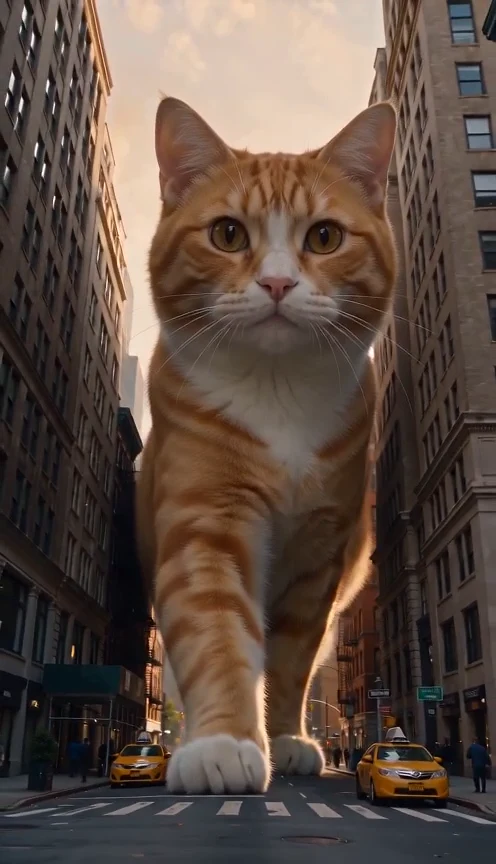 10s · 1–2 photo(s)New
Giant Cat AI
A familiar face. A very unfamiliar size.
20 credits
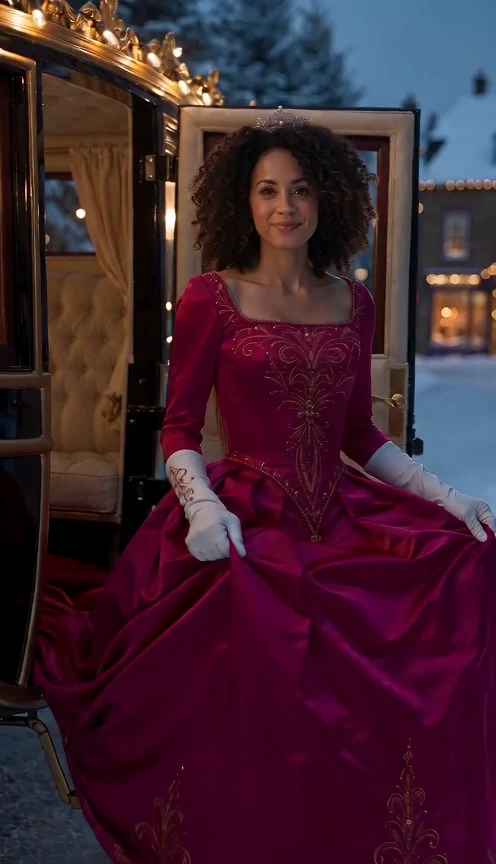 10s · 1 photo(s)New
Christmas Princess Carriage AI
Step out of the carriage. Into your winter fairytale.
20 credits
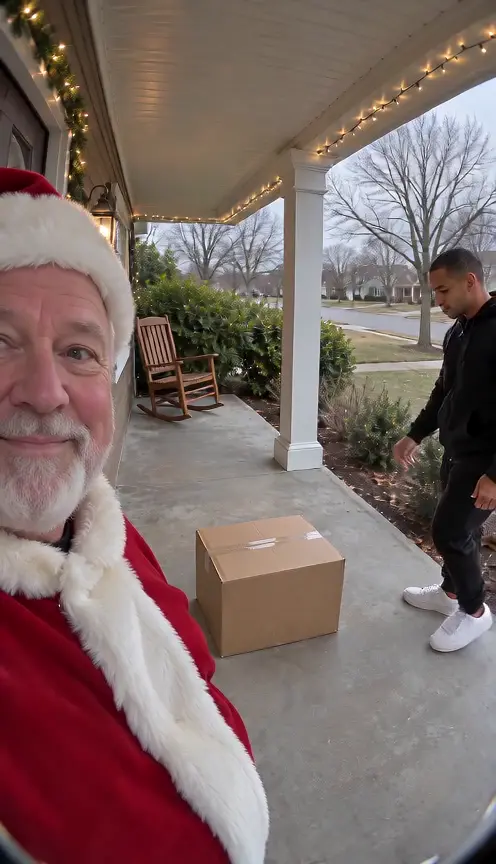 15s · 1–2 photo(s)
Santa Caught on Camera AI
Santa on the porch. One very surprised parcel thief.
30 credits
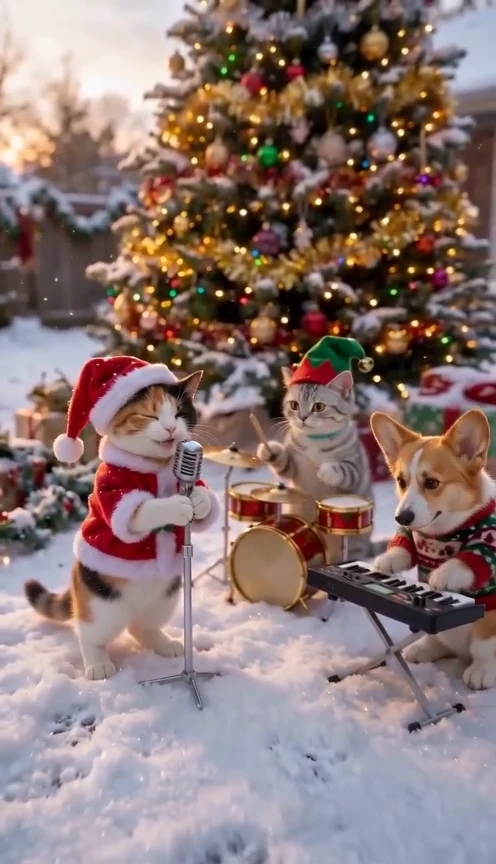 12s · 1–3 photo(s)New
Jingle Bells Cat AI
Your pet sings Jingle Bells with a band in the snow.
24 credits