Make a meme video from your photos
Choose a scene, add the right photos and make a short vertical video for TikTok, Reels or Shorts.
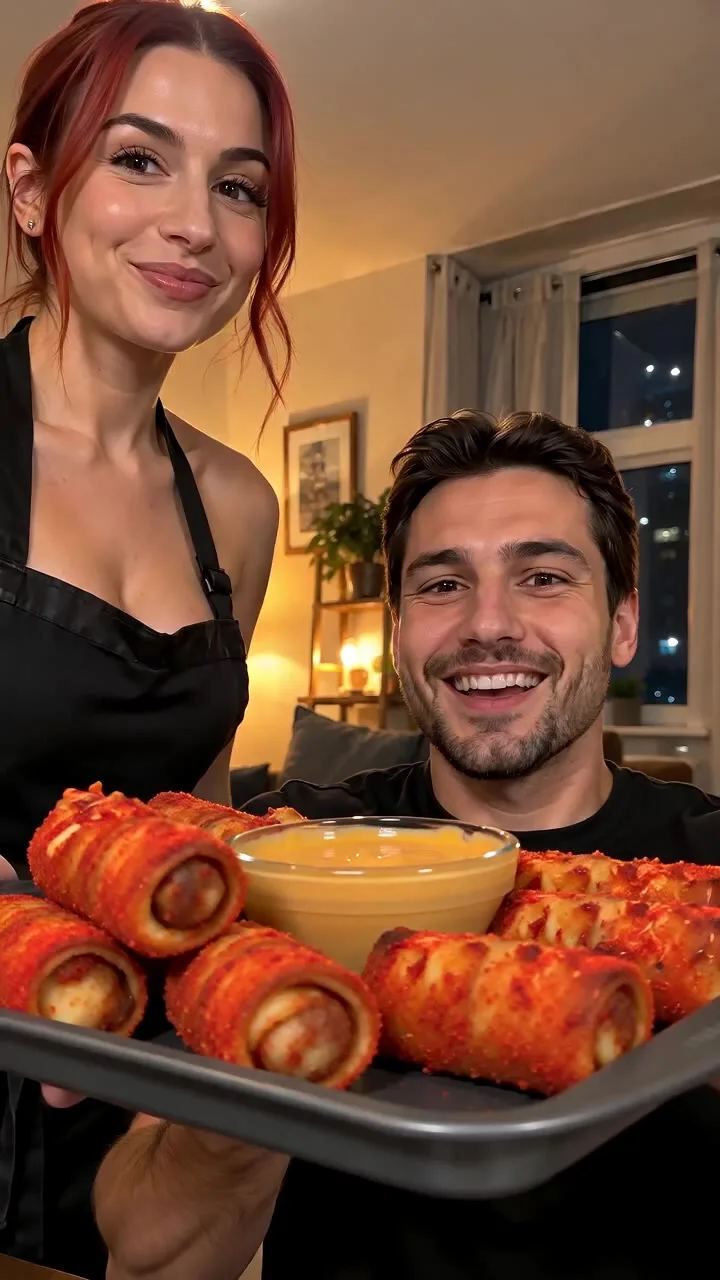
A good meme has one clear moment: a dinner arriving, a dance starting or a pet doing something unexpectedly human. Start with that moment, then put your photos into the scene.
Pick the scene before the photo
Browse the template videos to see the action before you create. The preview shows the format; your generation uses the photos you upload and can vary from the sample.
- Cardo dinner uses two photos: one person eats and the other serves the plate.
- Coffee making puts two people into a chaotic cafe scene.
- Mirror Panther turns one portrait into a mirror reveal.
- Car Alarm Dance is built around a pet photo.
Add each photo to its role
Some templates need one photo; others need two. Use the labeled slots to place each subject in the right role. You can replace or remove a photo before generating.
Choose sharp photos with an unobstructed subject. For a two-person scene, separate photos usually give you more control than a group photo. See how to choose photos.
Check the cost, then create
The editor shows the clip length and credit cost before you submit. Sign in, check your balance and start the generation. You can follow progress in My Works.
Once the video is ready, download the vertical MP4. Add your caption or music in your social app, and watch the complete clip before posting. The scene supplies the joke; a short caption gives it your context.