Which photos work best for AI meme videos?
Simple photo choices for portraits, two-person scenes and pet videos, with examples from the template collection.
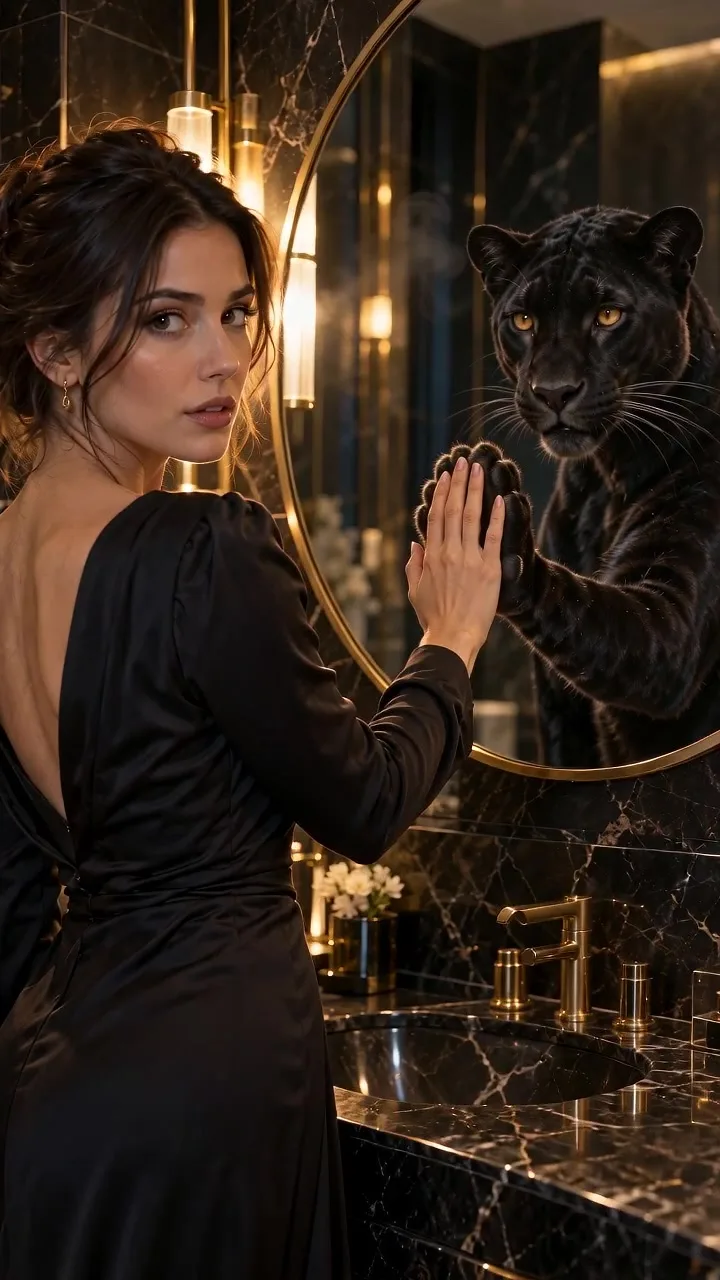
The best starting photo makes the subject easy to recognize. A sharp, evenly lit image gives the model clearer information than a distant face or a heavily filtered selfie.
Match the framing to the action
For Mirror Panther, choose a selfie or half-body photo with the face and one hand visible. Avoid sunglasses and objects covering the face.
For a large movement such as Giant Ramp Climbing, use a full-body photo with a clear silhouette. A cropped pair of legs gives the model less information about the stance.
For Dog Bartender, use a clear pet portrait. Keep the head and body easy to distinguish from the background.
Two photos, two roles
Cardo dinner and Coffee making use two input slots. Read each slot label before uploading. Similar lighting and comparable framing can help the subjects feel at home in the same scene.
If the photo contains several people, choose or crop to the intended subject first. Do not assume the model will pick the same person you had in mind.
When a result looks off
Try a clearer source photo before changing everything else. Check for motion blur, extreme camera angles, hidden hands or a busy background. Generated movement can vary, so inspect the complete result before sharing it.
Use your own photos or photos you have permission to use. Avoid misleading impersonation or presenting a generated event as a real recording.
Browse the templates and check the photo requirements for your scene.